The furniture marketing field guide

The right tool.
For your kind
of creative.

A beautiful image. A designed room. A complete campaign. Start with what you need to make, then find the workflow that fits.

Clear strengths. Real tradeoffs. Sources you can check.

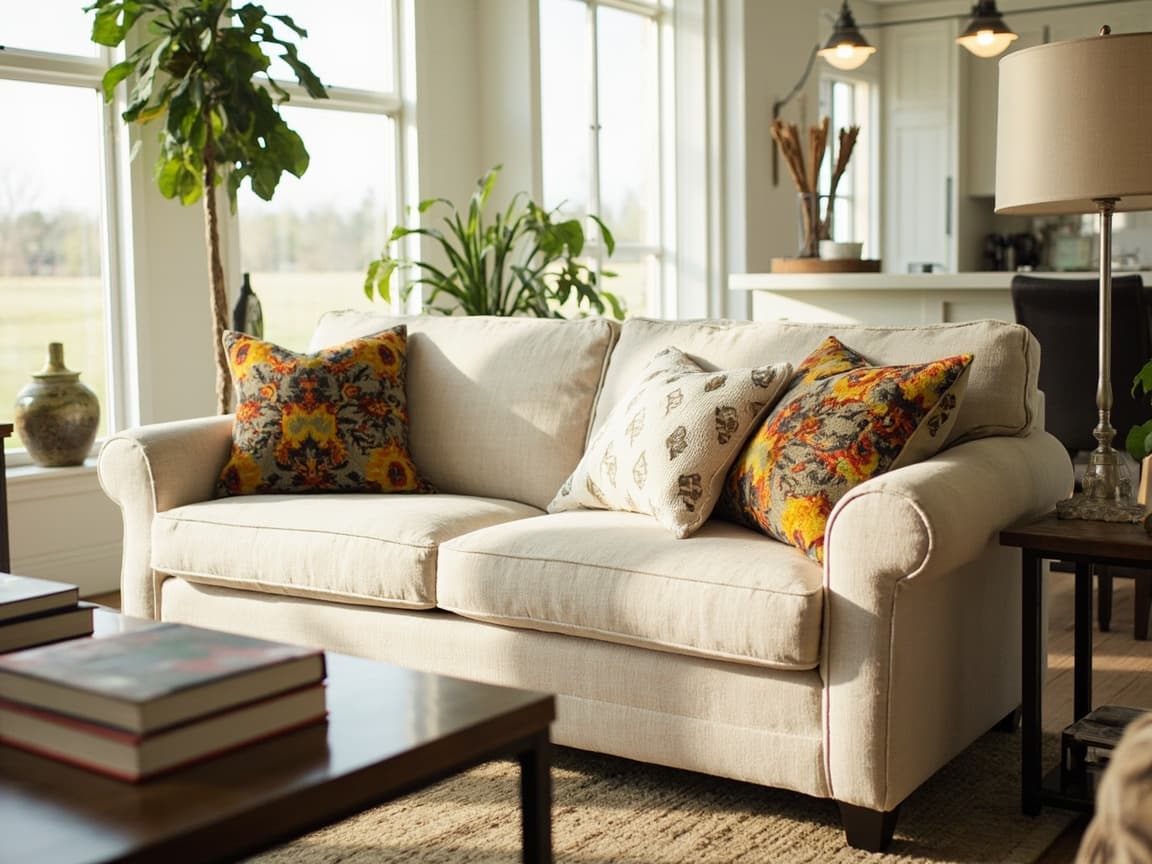
Cream sofa in a sunlit living room, illustrating furniture campaign creativeONE COLLECTION. A CONNECTED CAMPAIGN.
Make room
for your next chapter.
Room imagerySet the scene
Ad & social copyTell the story
Email packageCarry it through
Illustrative campaign concept · not a head-to-head output test
The quick comparison

Different strengths.
A clearer choice.

C
Consider this for

Canva

Best fit
Teams that want hands-on layout control across many types of content.
Typical output
Branded designs, social assets, and product images with generated backgrounds.
Check first
Canva can use product photos. Test how much campaign assembly and furniture-detail review your team needs.
How to compare costs

Free and paid options; check plan access to Brand Kit, AI tools, and team features.

f.
Consider this for

furn

Best fit
Furniture teams turning product photos and an offer into coordinated marketing assets.
Typical output
Create room scenes, ads, social copy, email, website copy, disclosures, and export packages.
Check first
Review product fidelity and copy before use. Direct publishing varies by channel. Check plan limits for video creation.
How to compare costs

Starter is $74.70/month on monthly billing. Creative allowances vary by plan; include your team’s review and channel-operation time. See plans and limits.

Better together?

Use furn to draft a furniture campaign, then Canva for custom layouts and finishing touches.

Check the source

Reviewed October 25, 2026. Published by furn. Fit recommendations are our editorial judgment; we have not run a head-to-head benchmark. Check current vendor terms before choosing.

Read the full guide
Find your starting point

What are you trying to make?

Some tools complement each other. Start with the job, then compare the workflow.

6 guides to explore

Looking for Modsy? Its consumer service ended in 2022. Read the historical note

A clear view of furn

Know what’s ready.
And what’s still coming.

Choose based on the workflow you can use today. Statuses below come from furn’s product capability feed, refreshed at build time.

View the capability source
Campaign Packs

Create room scenes, ads, social copy, email, website copy, disclosures, and export packages.

live
Email package export

Responsive HTML, subject, preview text, images, CTA, and disclosure are downloadable.

live
Video creation

Available subject to your plan’s video allowance.

Available
Check direct publishing by channel
Meta Ads delivery

Export-ready while direct publishing completes production verification.

beta
Facebook Page publishing

Available in Campaign Packs for enabled pilot accounts with verified Page access and explicit post approval.

conditional
Instagram publishing

Instagram-ready exports are available now. Direct publishing is not enabled.

beta
Google Ads delivery

Google Ads Editor and manual launch exports remain available where applicable.

planned
Klaviyo delivery

Native Klaviyo campaign creation is planned after export validation.

planned
Try the same brief

Let your own product be the test.

The same real source product, confirmed offer (or no promotion), store brand, and deliverables for every option. No measured fidelity advantage is established here.

01

Check the furniture

Compare fabric, shape, seams, hardware, legs, scale, and color with the actual source product. Check video frame by frame. Reject invented features.

02

Get retailer approval

Have the retailer verify product details, price, dates, conditions, store branding, and links. Record approve, revise, or reject, with reasons and revision time.

03

Open the deliverables

Check image sizes, copy, links, exports, and who actually publishes. Include people and usage in the cost.

See what a furniture campaign can look like.

Browse visual examples before you choose your workflow.

Explore the creative library